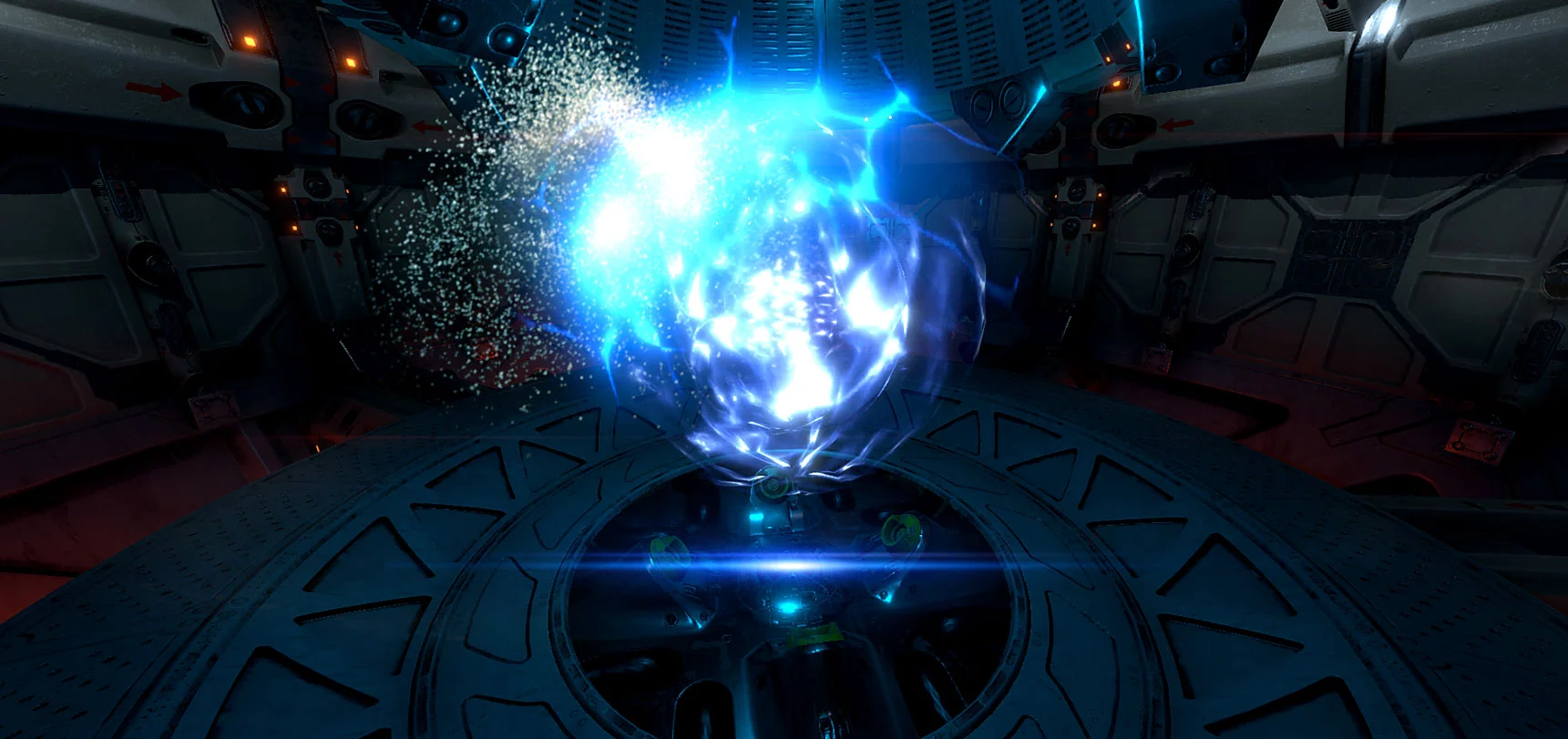
Force Field
Make the invisible unforgettable.
Built-inURP
 Unity Asset Store↗
VFX / FOR UNITY
Give every encounter impact.
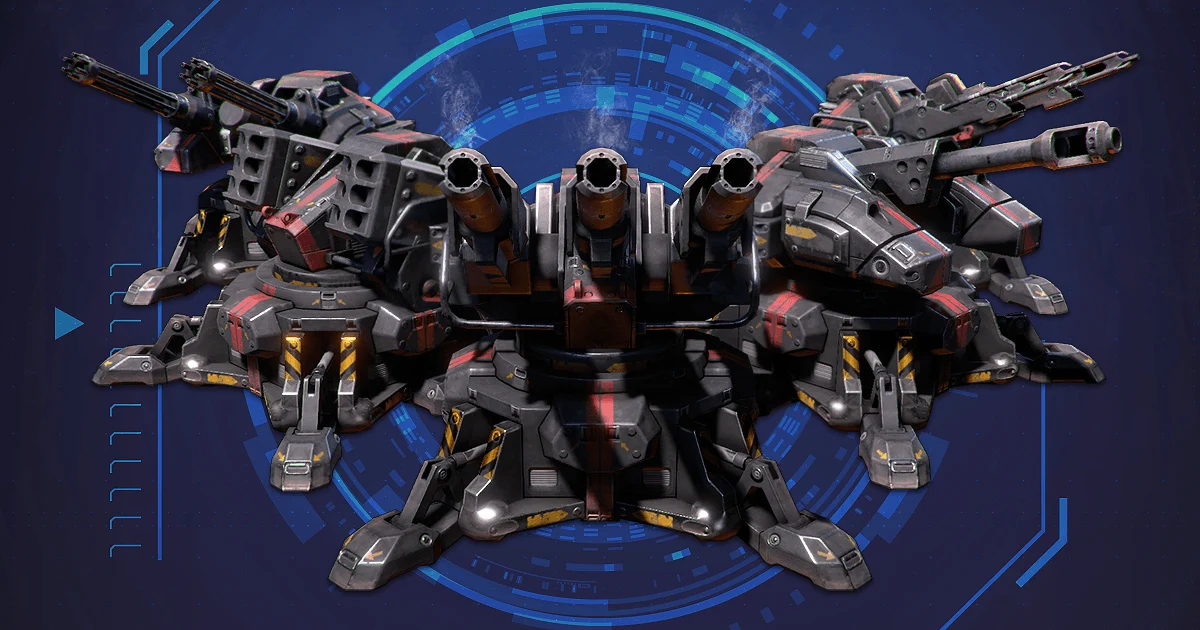
INSIDE THE PACKAGE
Weapons, explosions, missiles, holograms and atmospheric effects for science-fiction worlds.
A CLOSER LOOK
8 images / Select to explore
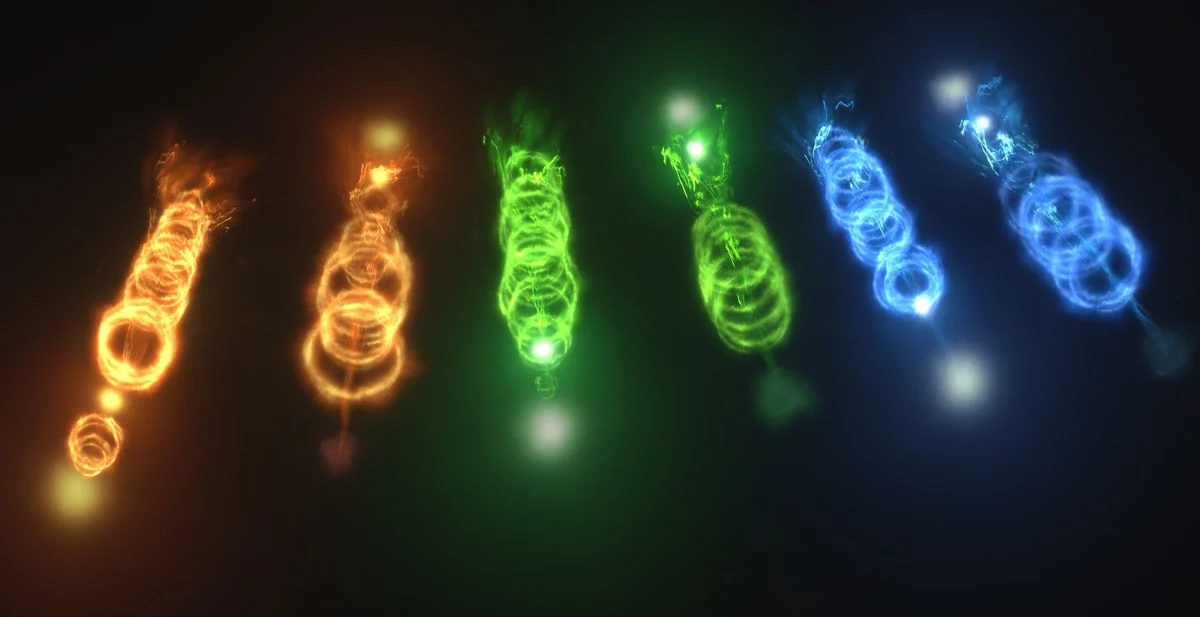
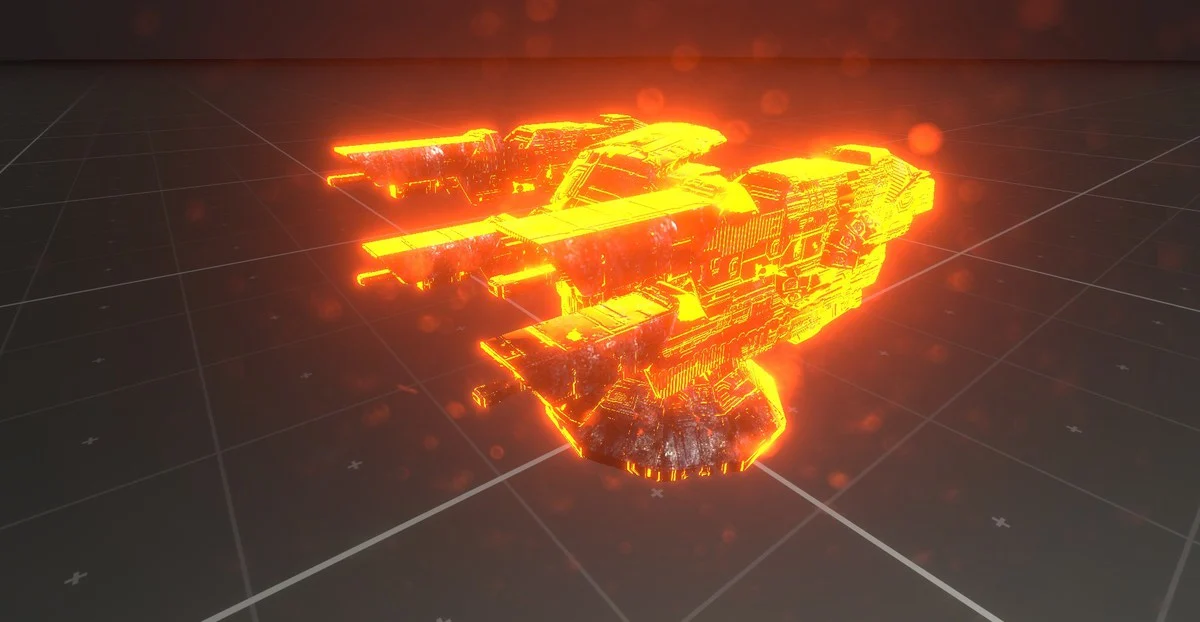
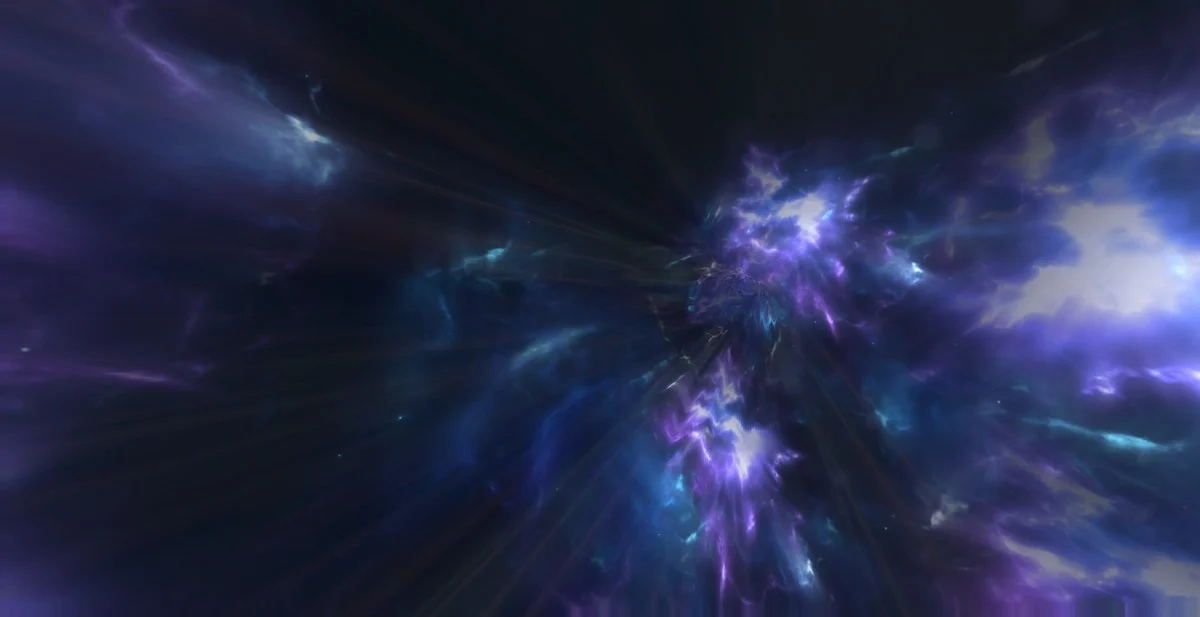
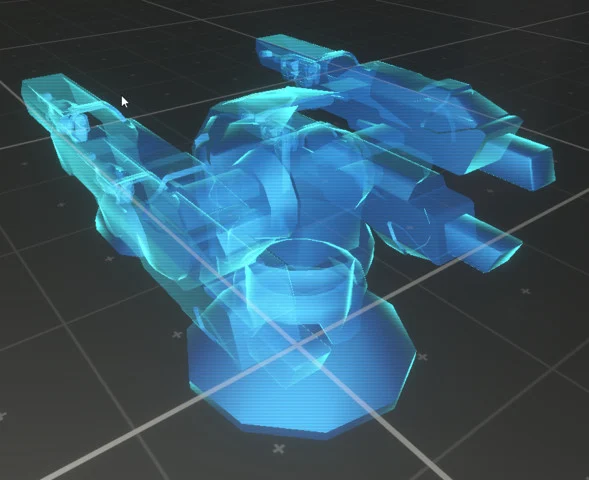
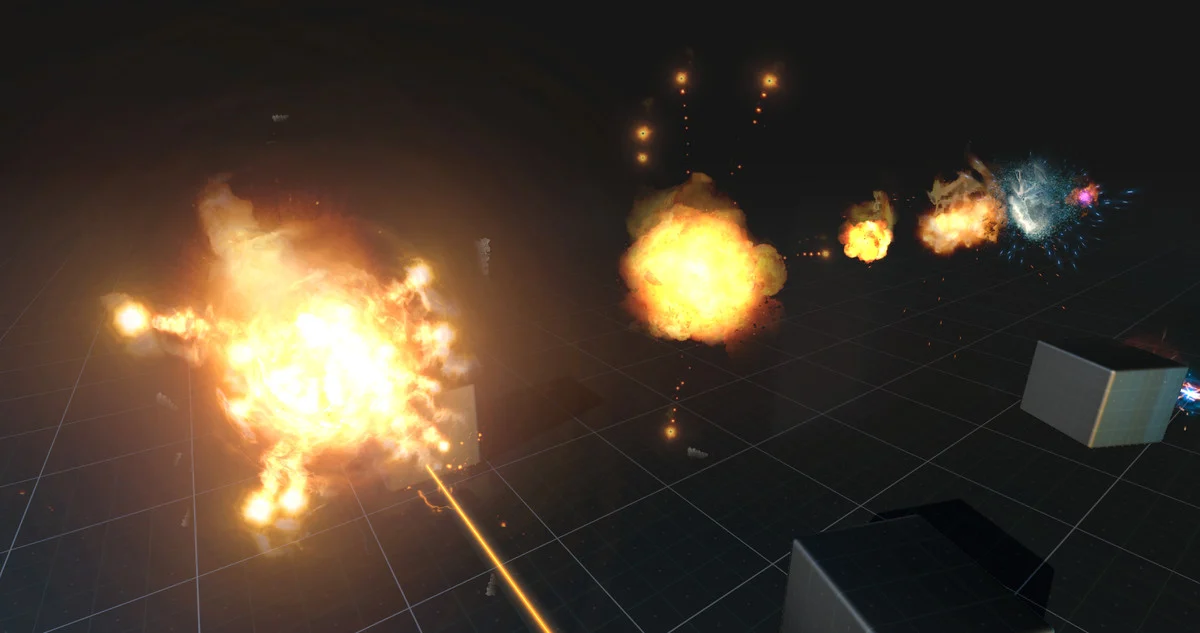
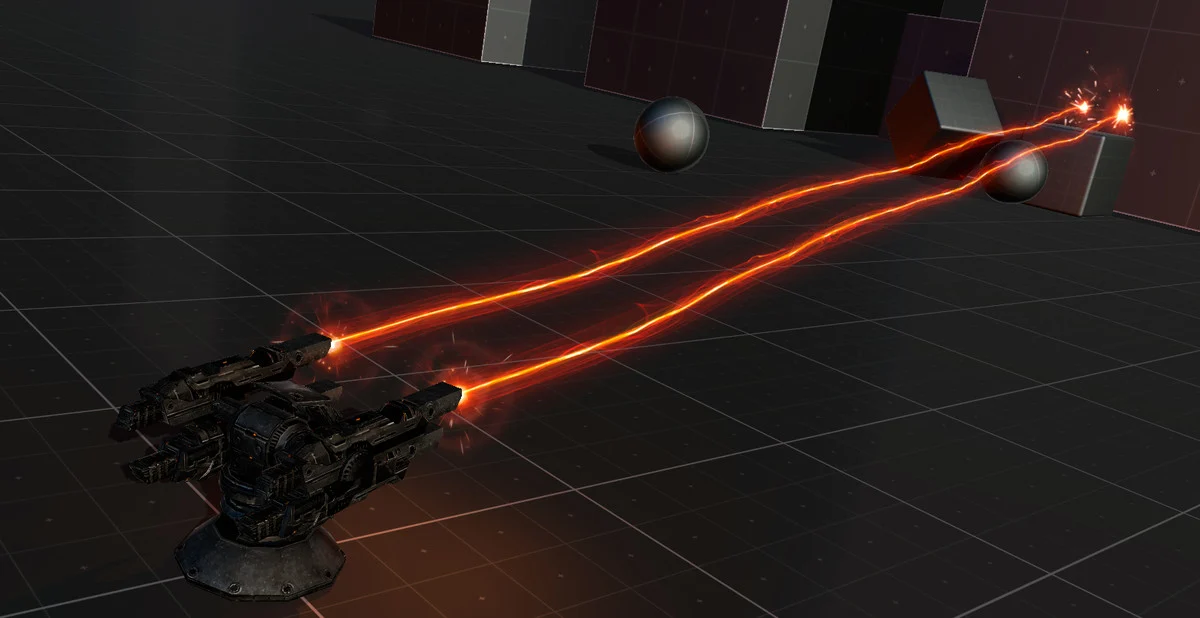
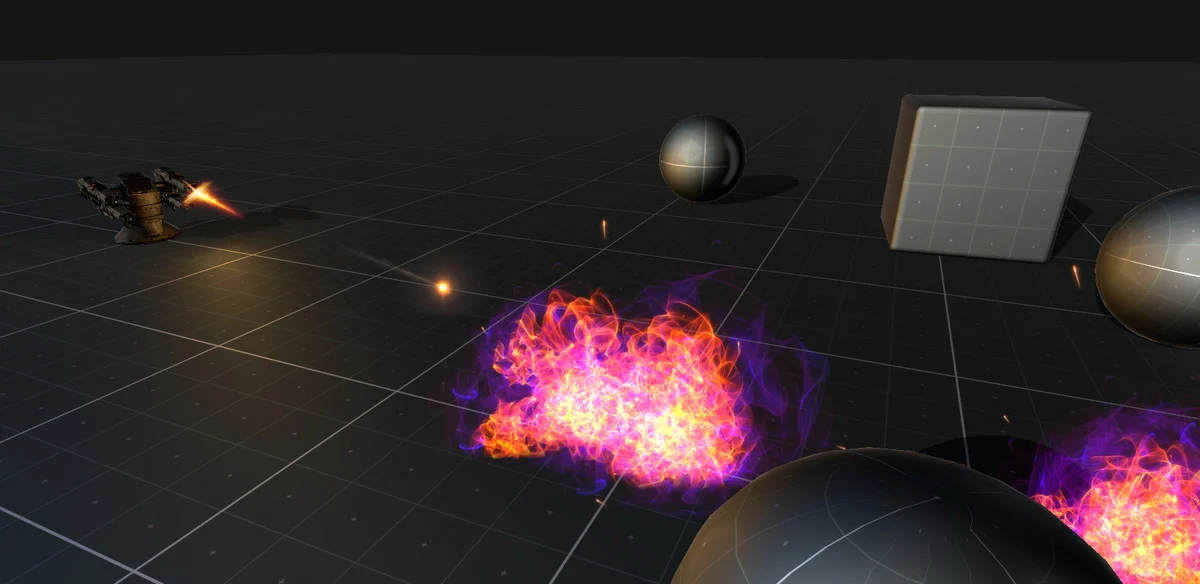
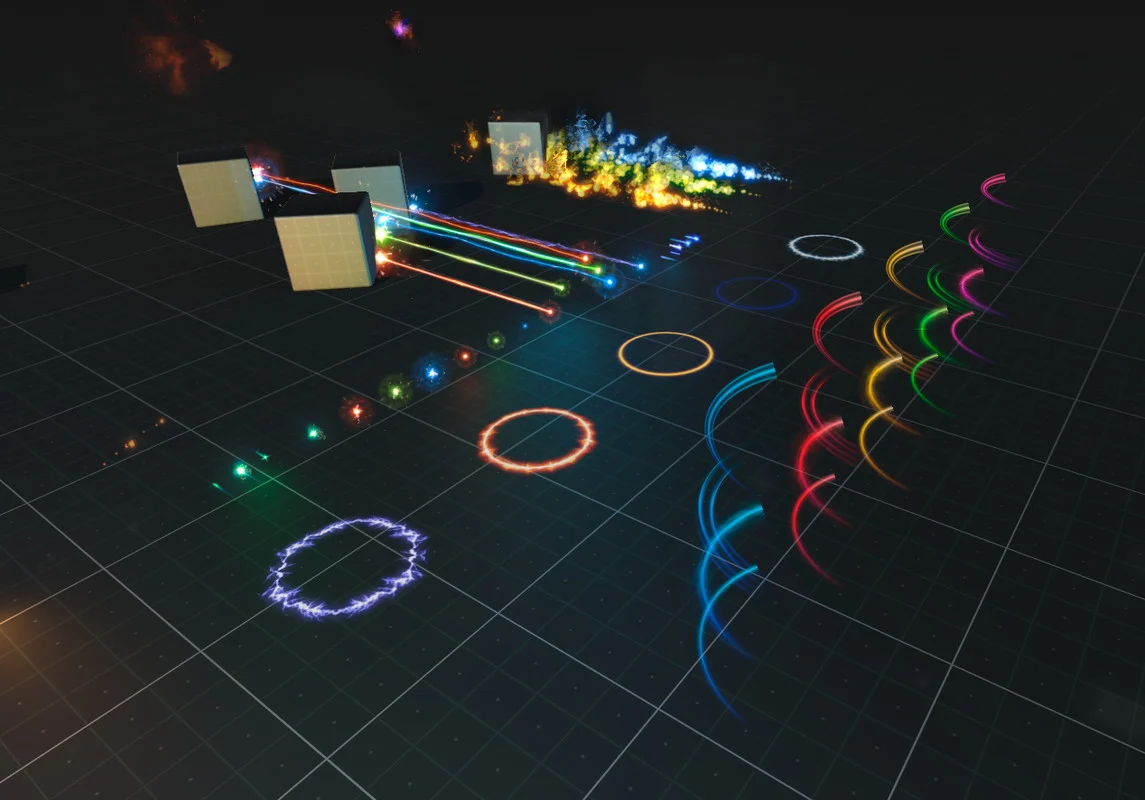
Promotional imagery. See package contents and exclusions below.
BEFORE YOU BEGIN
Package reference: v2.3, Asset Store information captured September 20, 2026. Check the current listing for updates, pricing and supported versions. External demos may reflect an earlier package version.
Get Sci-Fi Effects ↗QUESTIONS, ANSWERED
Setup, package contents and the details that help you get started.
First check that you imported the package’s matching rendering-pipeline template, rather than using materials from a different pipeline. Compare your Unity and render-pipeline versions with the package instructions. If errors remain, send support the first shader error and your version details.
It uses particle systems, mesh sprites and custom scripts. The archived product-support answer confirms that the asset does not use VFX Graph.
Check Depth Texture and Opaque Texture in your URP settings, along with the correct pipeline template. These settings have resolved refraction and heat-effect issues in support cases; exact behavior can depend on the renderer and package version.
Still have a question? Contact support or join our Discord ↗.
THE FORGE3D COMMUNITY
Show what you’re making. Exchange ideas, ask product questions and connect with other creators on the FORGE3D Discord server.
Join FORGE3D on Discord ↗For private support or account questions, use our contact form.
Make the invisible unforgettable.
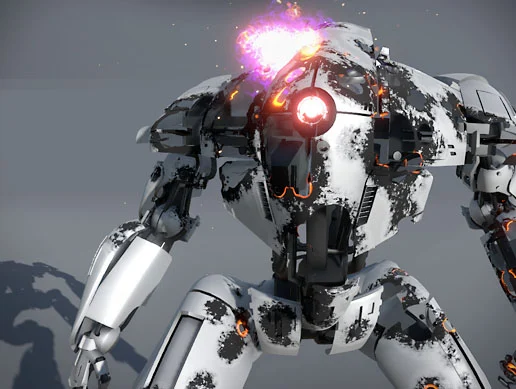
Let every hit leave a mark.