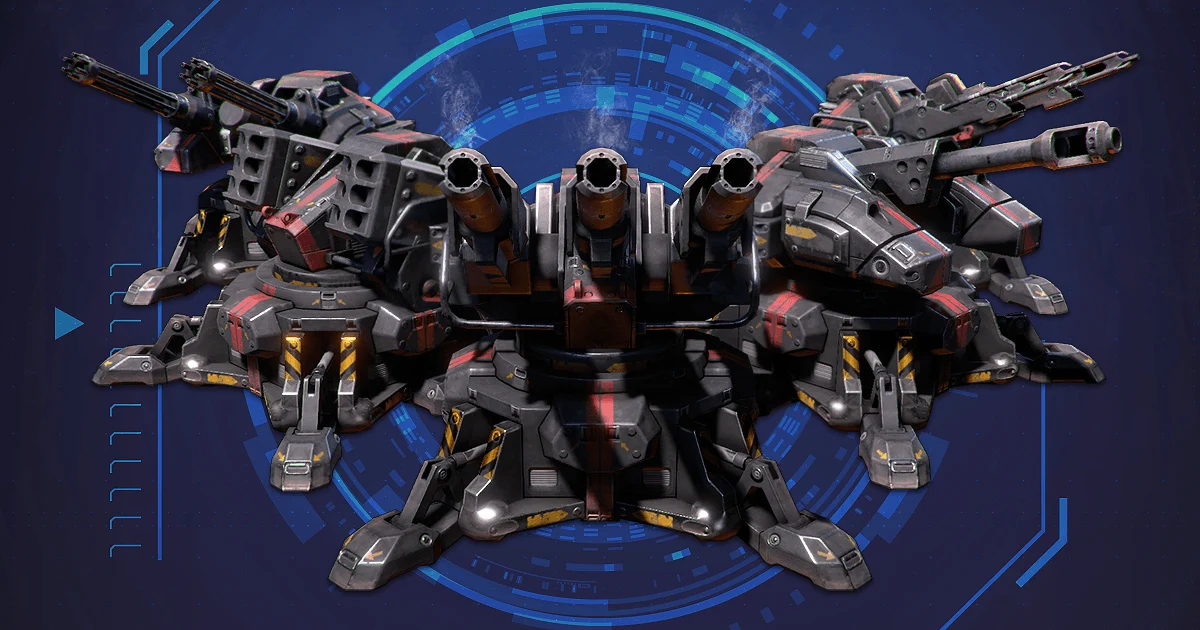
Sci-Fi Effects
Give every encounter impact.
Built-inURPHDRP
 Unity Asset Store↗
VFX / FOR UNITY
Let every hit leave a mark.
INSIDE THE PACKAGE
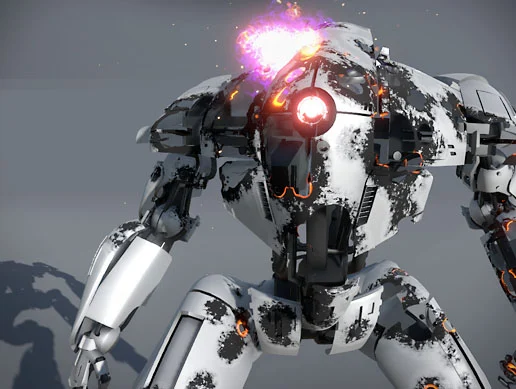
A shader-based damage system with impact controls and reusable functions for Amplify Shader Editor.
A CLOSER LOOK
6 images / Select to explore
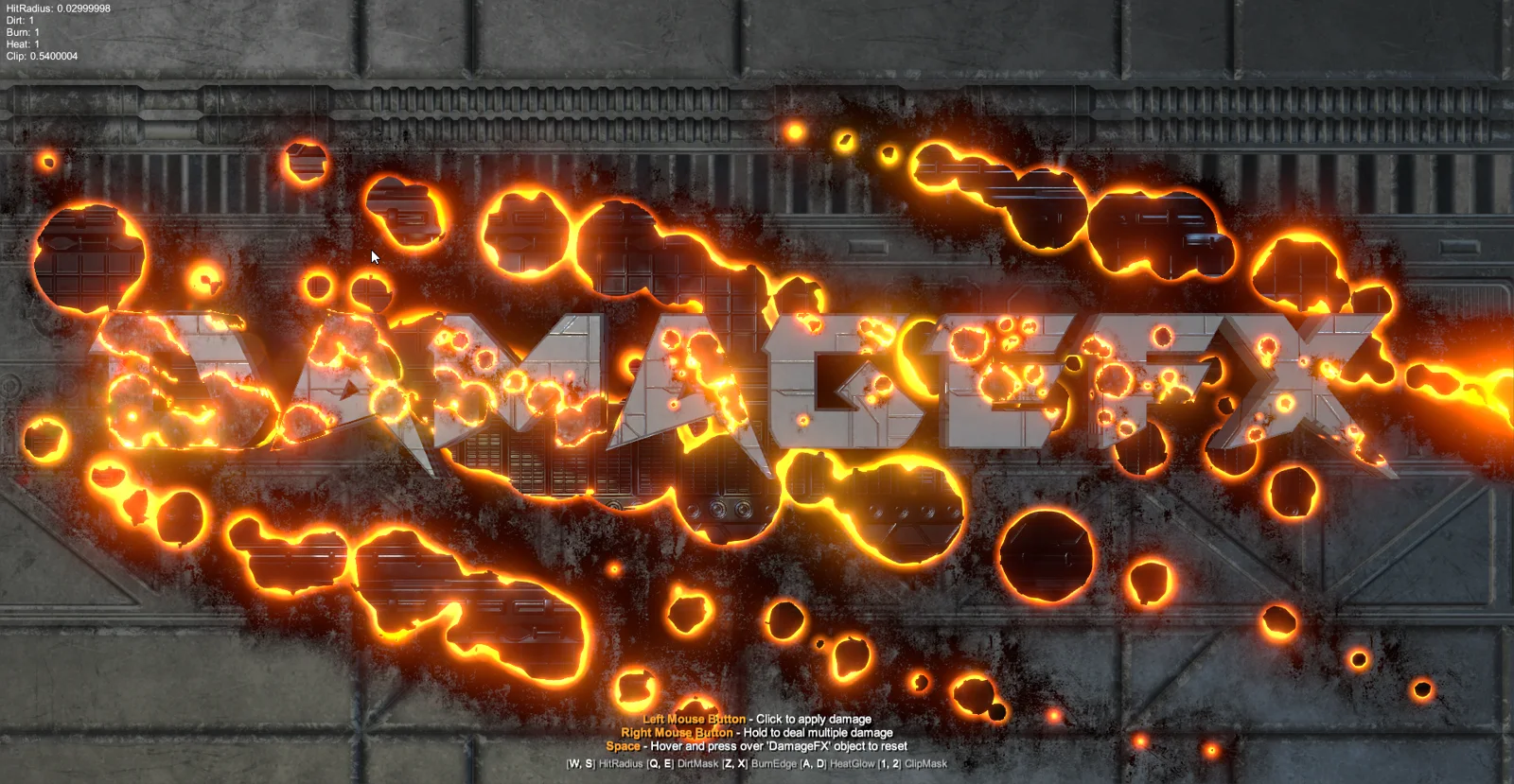
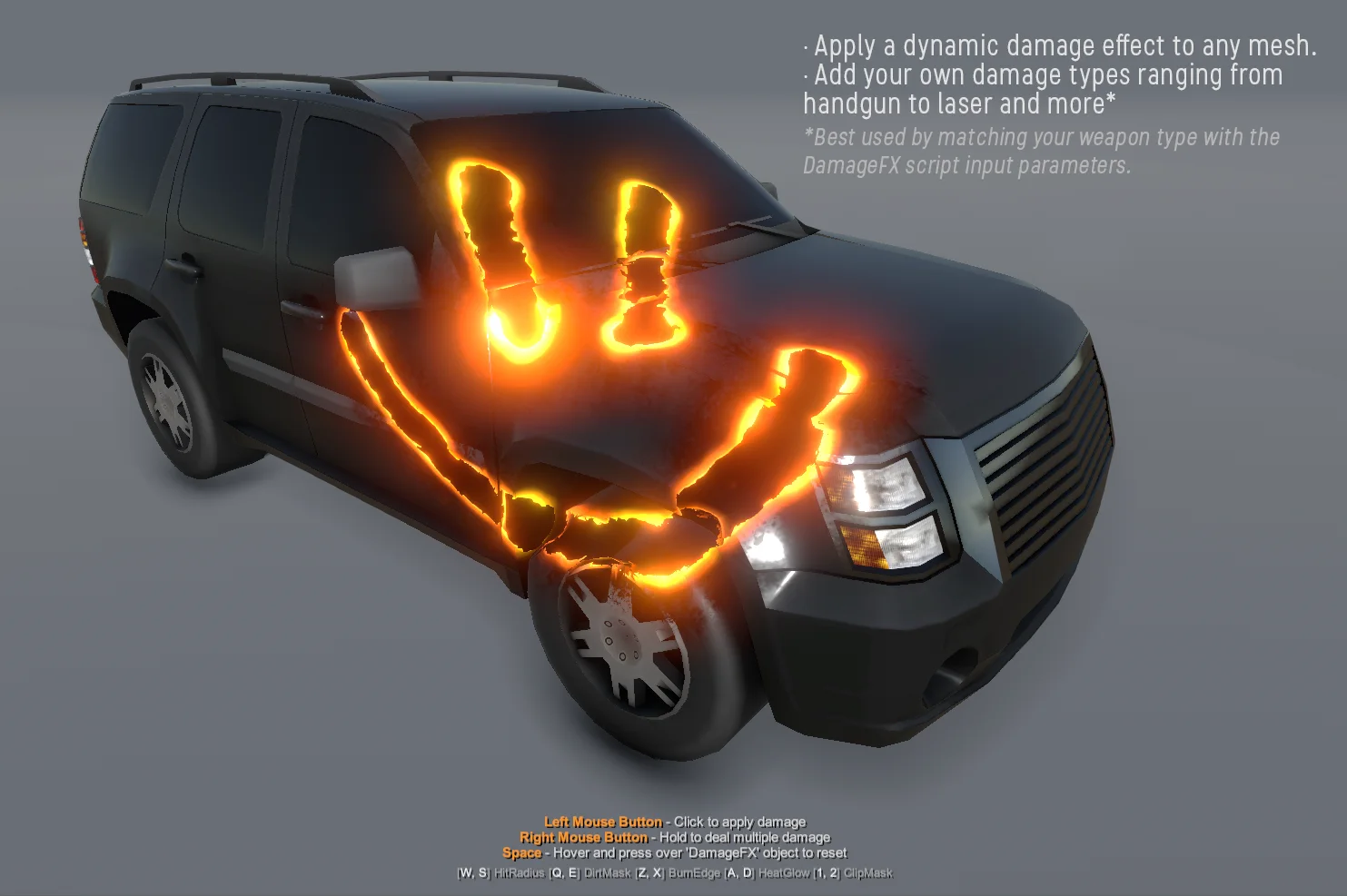
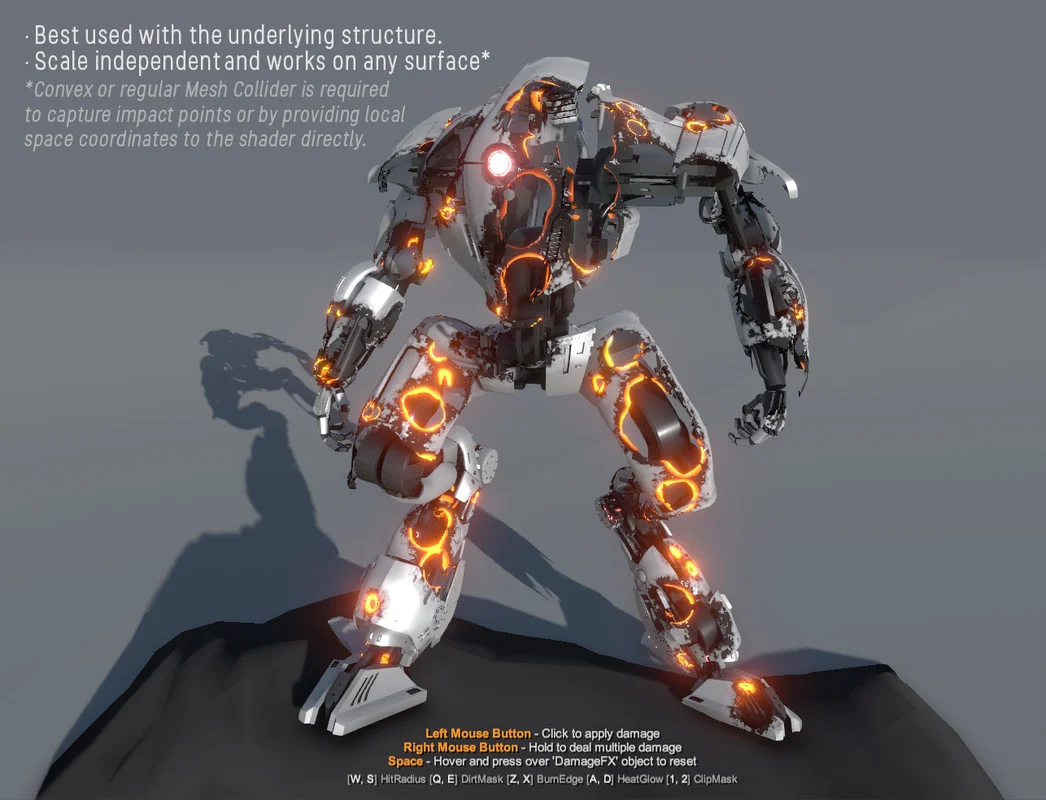
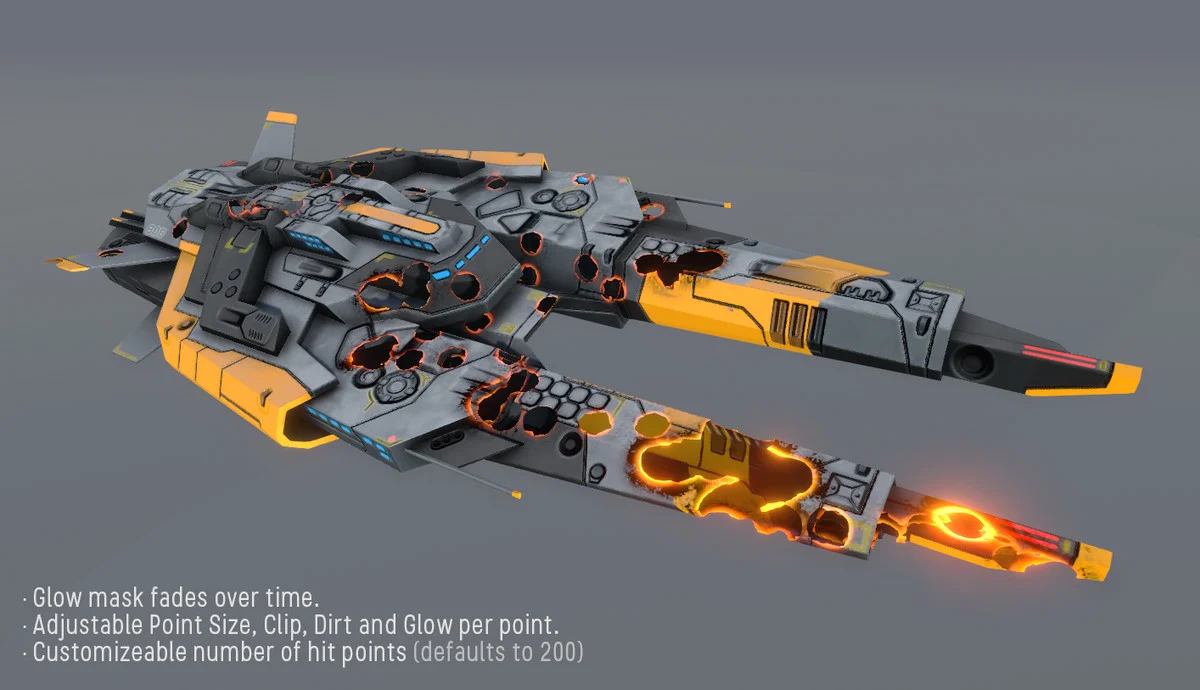
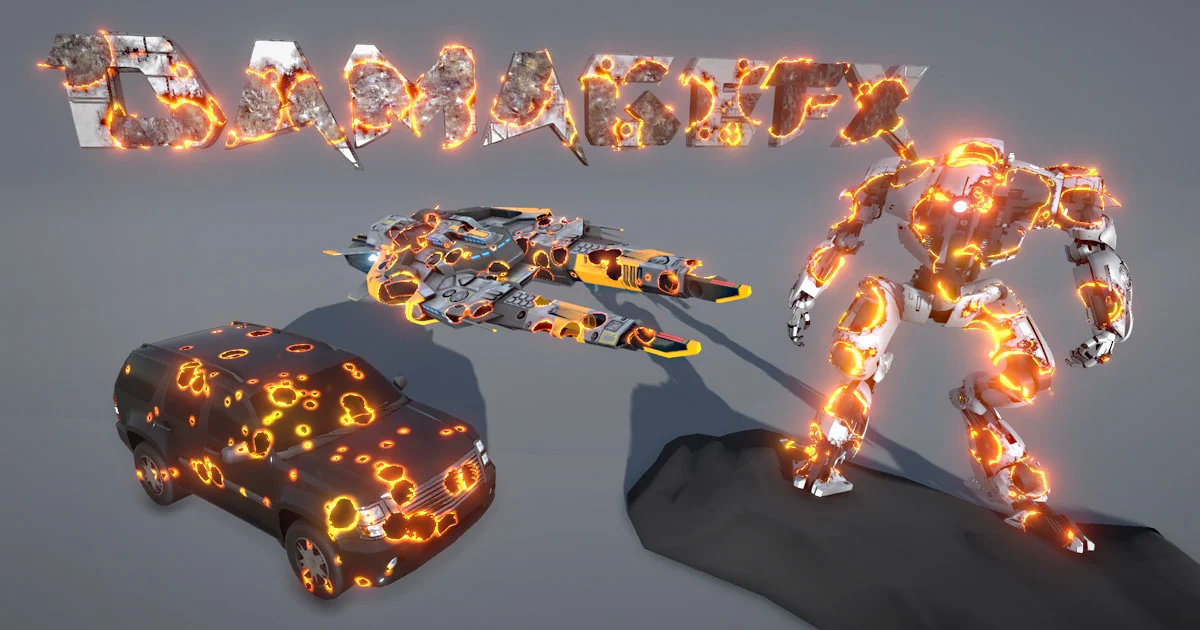
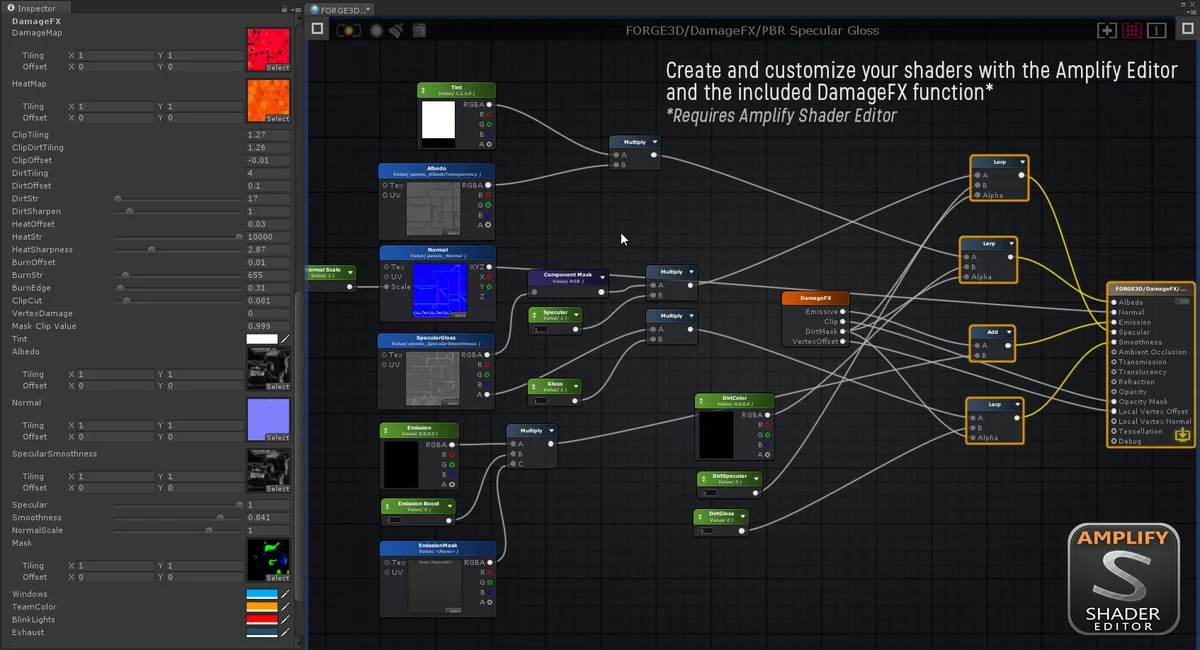
Promotional imagery. See package contents and exclusions below.
BEFORE YOU BEGIN
Package reference: v1.4, Asset Store information captured September 20, 2026. Check the current listing for updates, pricing and supported versions. External demos may reflect an earlier package version.
Get Damage FX ↗QUESTIONS, ANSWERED
Setup, package contents and the details that help you get started.
No. Animated skinned meshes are not supported. Other object animations are supported.
Damage FX reveals a damaged surface layer through shaders, with controls for dirt, heat, glow, alpha clipping and vertex displacement. Plan to integrate the damage shader with your object’s materials rather than treating it as a separate decal projector.
Use a convex or regular MeshCollider to capture impact points, or provide local-space coordinates directly to the shader. Start from the included examples and verify the impact coordinates and material settings if the result does not appear where expected.
Still have a question? Contact support or join our Discord ↗.
THE FORGE3D COMMUNITY
Show what you’re making. Exchange ideas, ask product questions and connect with other creators on the FORGE3D Discord server.
Join FORGE3D on Discord ↗For private support or account questions, use our contact form.
Give every encounter impact.
Make the invisible unforgettable.